
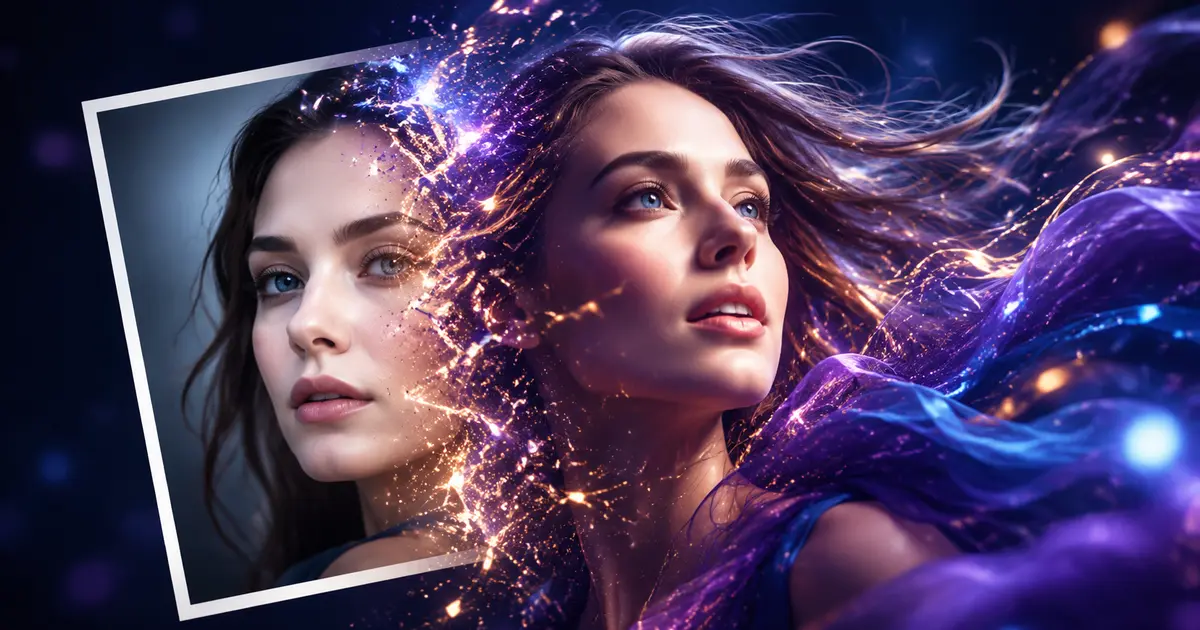
Wan 3.0 Video Result
Cinematic AI Motion
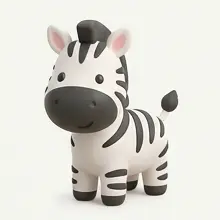
Wan 3.0 Image-to-Video Example
See how a still image can become a dynamic AI-generated video
Turn a written idea or a still image into a polished AI video with Wan 3.0. Describe the scene, motion, camera, and visual style, then generate your video online in one streamlined workflow.
🎁 Limited time: Get 30 free credits for new users
Tip: If generation fails, try switching to the other models
Created with AI
Wan 3.0 Overview
Wan 3.0 AI Video Generator is a browser-based creative workspace for text-to-video and image-to-video production. It helps creators turn prompts, concepts, and reference images into expressive video clips without a traditional editing timeline.
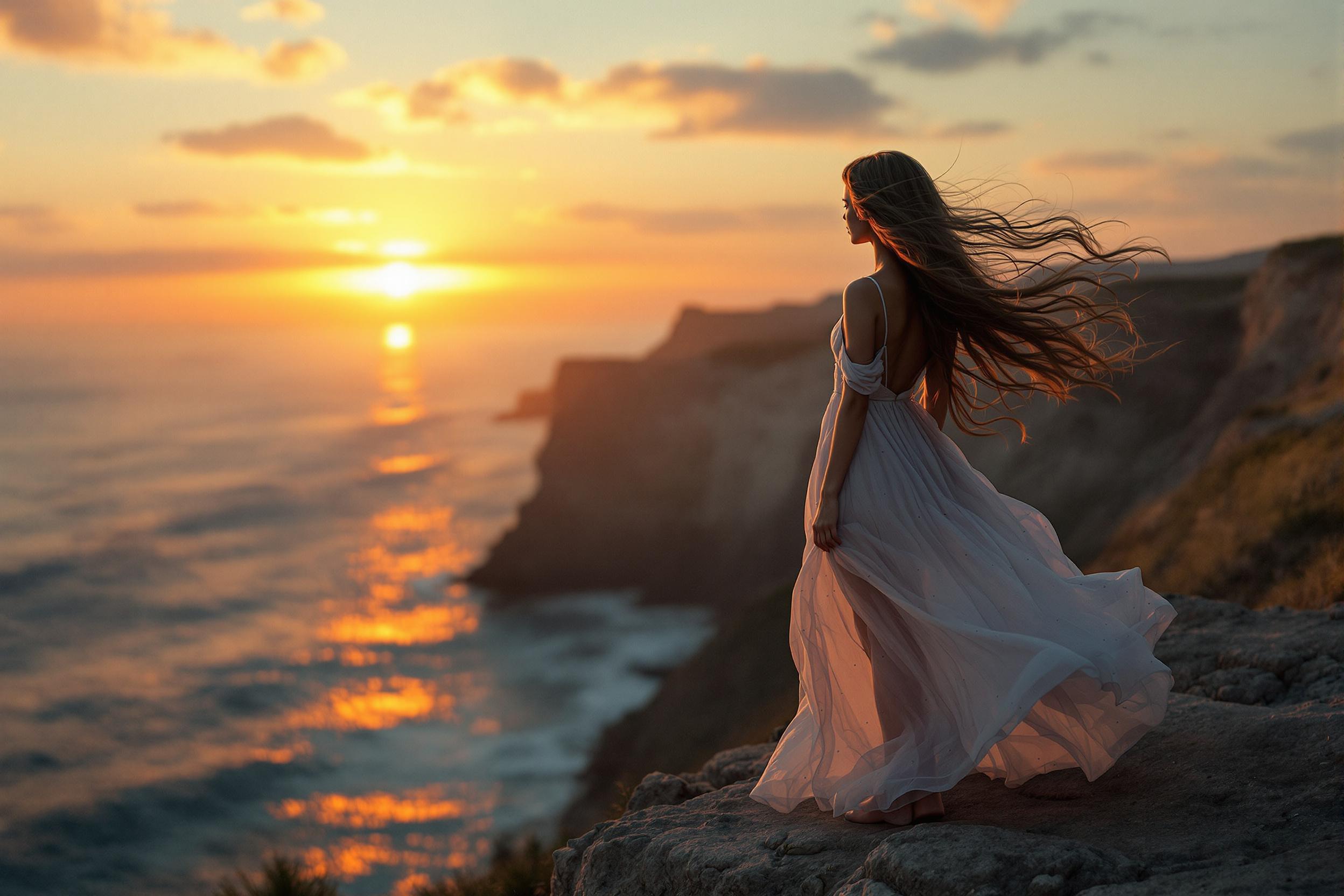
Start with a natural-language prompt. Define the subject, action, setting, lighting, lens, and mood to shape a complete AI-generated scene from the ground up.
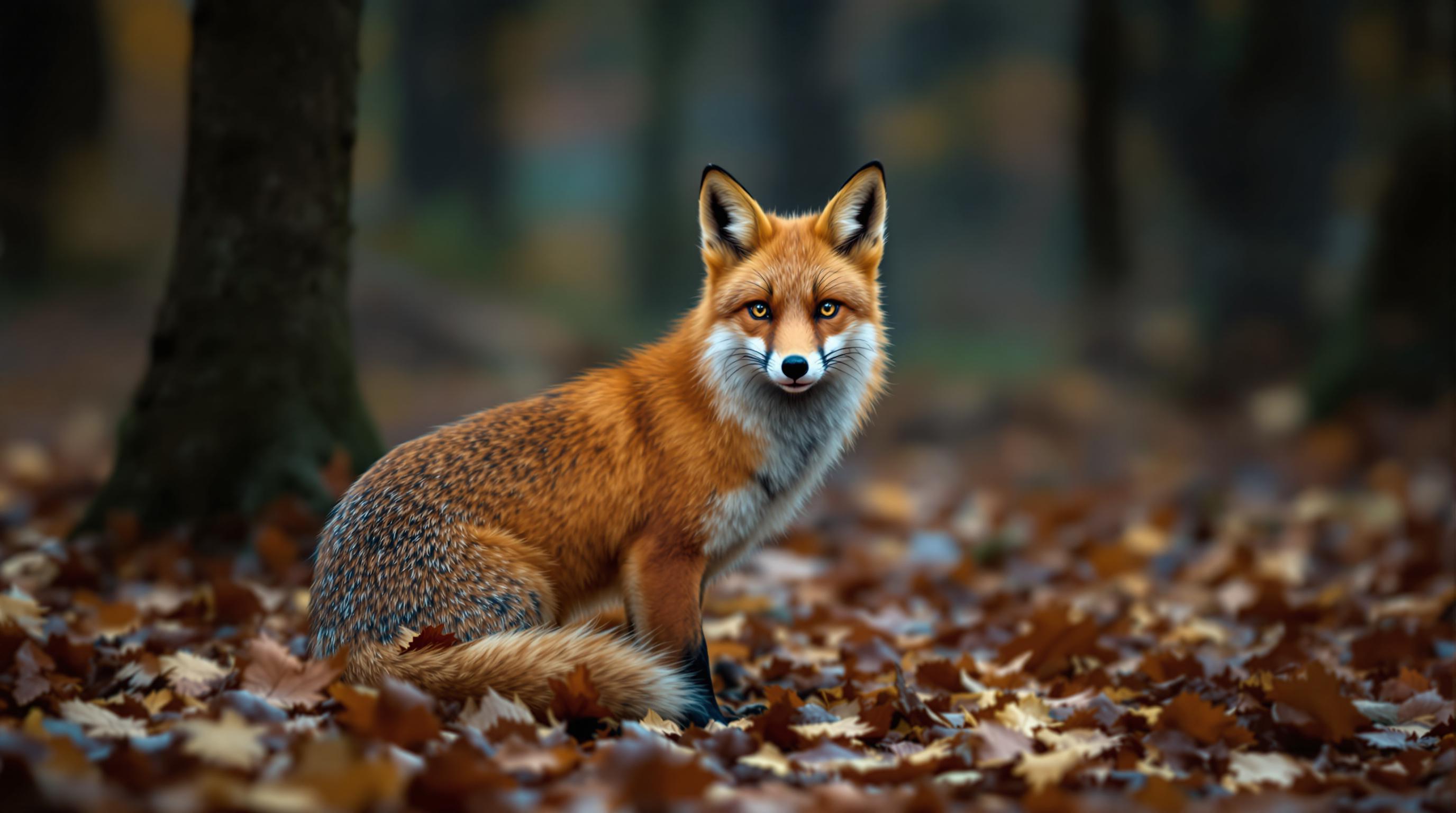
Upload a reference image and describe how it should move. Wan 3.0 turns portraits, product shots, illustrations, and concept art into dynamic video while using your image as the visual starting point.
Guide camera movement, subject motion, pacing, atmosphere, and visual style in plain language. Refine the prompt and generate again when you want to explore a different creative direction.
Create concept shots, social clips, product visuals, storyboards, and campaign assets from one online generator. No software installation or animation experience is required.
Go from an idea to a downloadable AI video in three clear steps. Use text alone, or upload an image when you want the result to follow an existing subject, composition, or visual style.
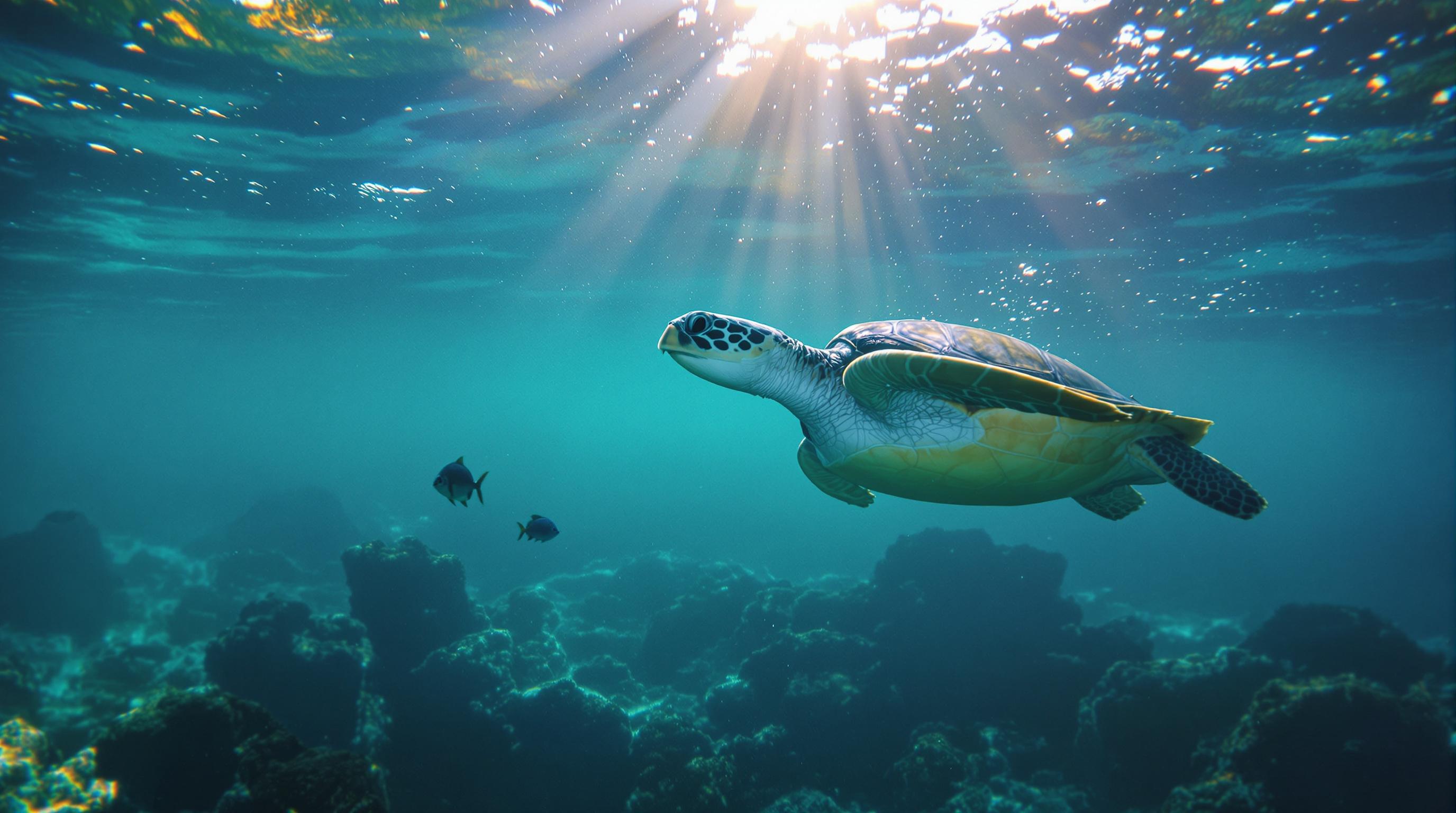
Move from rough concept to finished clip with practical controls for both text-to-video and image-to-video creation. Wan 3.0 keeps the workflow simple while giving you room to direct the look and motion of each shot.
Cinematic AI Motion
See how a still image can become a dynamic AI-generated video
 01
01Turn detailed written prompts into original video scenes. Describe people, objects, environments, actions, and atmosphere without filming source footage.
 02
02Animate an existing visual with purposeful motion. Use a portrait, product image, illustration, or concept frame as the foundation for your generated clip.
 03
03Create shots with smoother subject movement and more coherent visual details. Clear action and camera instructions help the generated video stay focused on your intended scene.
 04
04Prompt for close-ups, wide shots, tracking movement, slow push-ins, orbiting shots, and other camera language to give your AI video a more intentional visual rhythm.
 05
05Explore photorealistic, cinematic, illustrated, commercial, and social-first directions. Select output settings that fit landscape, portrait, or square publishing workflows when available.
 06
06Create from your browser without installing a video editor. Wan 3.0 brings prompting, generation, preview, and download together in one focused workspace.
Wan 3.0 combines the essential parts of AI video creation in a focused browser workflow, so you can spend less time navigating tools and more time shaping the shot.
Creation Modes
2
Text to Video and Image to Video
Workspace
1
Prompt, Generate, Preview, and Download
Online Access
24/7
Create in Your Browser Whenever Inspiration Arrives
Wan 3.0 supports a wide range of creative workflows, from fast social concepts to product storytelling and cinematic previsualization.
Social Video Concepts
Creators
Turn short ideas and reference images into scroll-stopping concepts for social posts, short-form campaigns, and channel experiments.
Product Visuals
E-commerce
Add camera movement, atmosphere, and product-focused motion to still photography for launches, listings, ads, and landing pages.
Campaign Storyboards
Marketing Teams
Visualize creative directions before production and turn written campaign ideas into concrete motion references for faster team alignment.
Cinematic Previsualization
Filmmakers
Explore framing, movement, lighting, and atmosphere before a shoot with prompt-driven clips that communicate the intended scene.
Animated Artwork
Artists and Designers
Bring illustrations, character art, posters, and concept images into motion while using the original composition as a visual anchor.
Explainer Scenes
Educators and Teams
Generate visual examples, scene-setting clips, and supporting footage for lessons, presentations, demos, and internal communication.
Quick answers about creating text-to-video and image-to-video content with Wan 3.0 online.
Wan 3.0 AI Video Generator is an online tool for creating video clips from written prompts or reference images. You describe the scene and creative direction, and the generator produces a video based on that input.
Yes. Choose text-to-video, describe the subject, action, environment, camera, lighting, and style, then start the generation. More specific prompts usually provide a clearer target for the result.
Yes. Upload a reference image, describe the movement and camera behavior you want, and use image-to-video mode. Clear source images with a well-defined subject generally give the model better visual guidance.
Describe the subject, action, setting, shot type, camera movement, lighting, mood, and visual style. Keep the main action unambiguous. For image-to-video prompts, focus on what should move and how the camera should behave.
No. The workflow is designed around plain-language prompting. You can create, preview, and download a video in your browser without using a traditional editing timeline.
New accounts currently receive 30 free credits, so you can explore the generator before purchasing more. Credit use depends on the model and generation settings shown in the workspace.
Common uses include social clips, concept videos, product visuals, campaign storyboards, animated artwork, cinematic previsualization, presentations, and supporting footage.
No. This is an independent online AI video creation platform and is not the official website of Alibaba or the Wan model team. Product names are used to identify the available creation experience.
Turn your next idea, photo, illustration, or product image into motion. Open the Wan 3.0 AI Video Generator, write your prompt, and start creating online.